
The Execute code processor runs a snippet of JavaScript and assigns the result to a profile variable.
Example script of using Execute code processor

Example script of using Execute code processor

In the script above variable COUNT starts at 1, the Execute code processor increments it and stores the outcome in EXECUTED_RESULT .
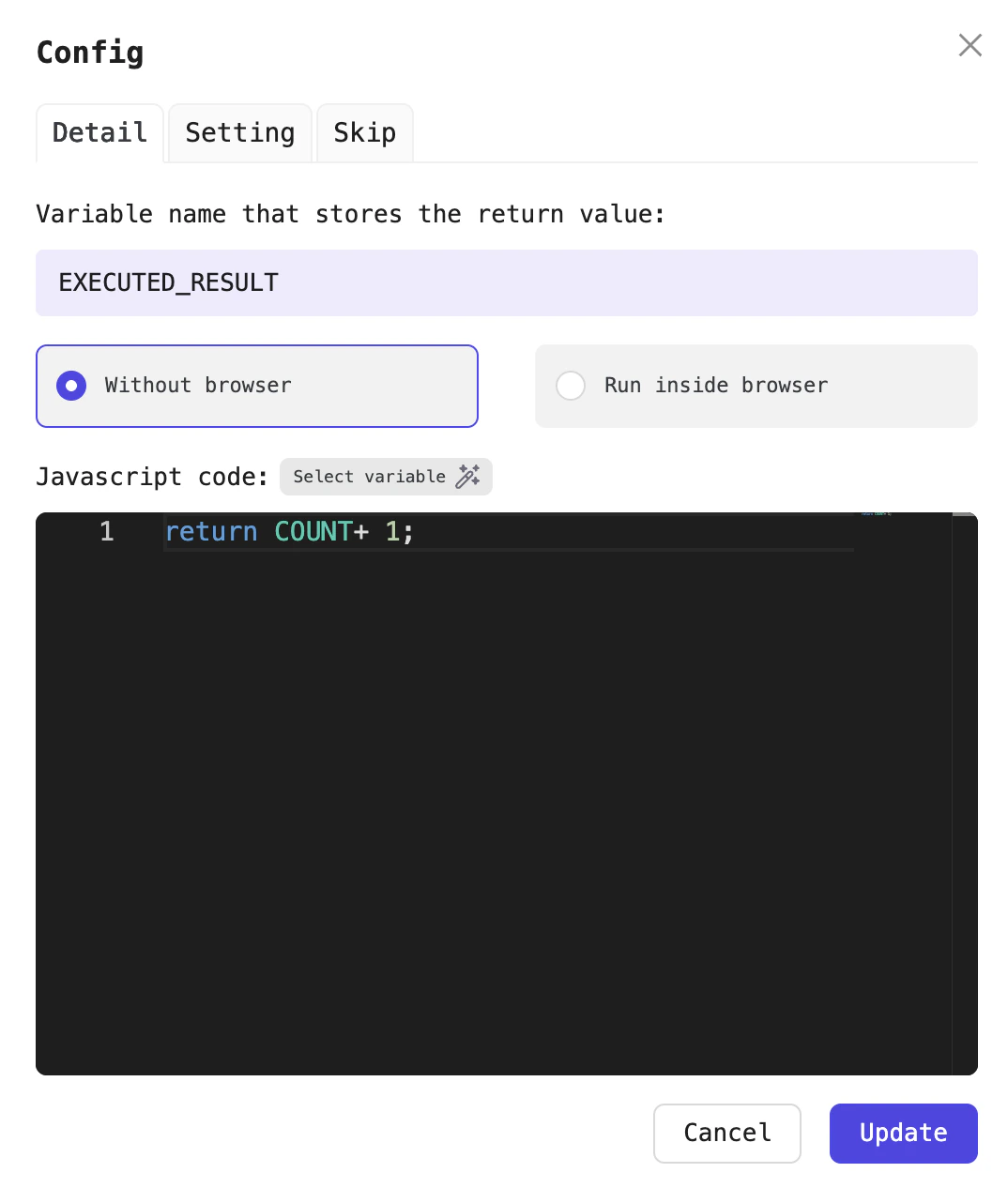
Configure the Execute code processor

Configure the Execute code processor

The processor's output is stored in EXECUTED_RESULT

The processor’s output is stored in EXECUTED_RESULT

This processor offers two execution modes:
  • Without browser: the JavaScript snippet runs inside Node.js’s VM with no browser involvement, so pick this when your code doesn’t need to interact with browser.
  • Run in browser: the JavaScript executes inside Chrome DevTools, launching the browser so you can interact with page elements, for example document.querySelector(".title").innerHTML

Configuration fields

Field nameRequired?Detail
Variable to save resultYes

This processor outputs a random number, so select a variable to capture it.

For example EXECUTED_RESULT

ModeYes Without browser or Run in browser
Javascript codeYesThe code snippet you want to execute