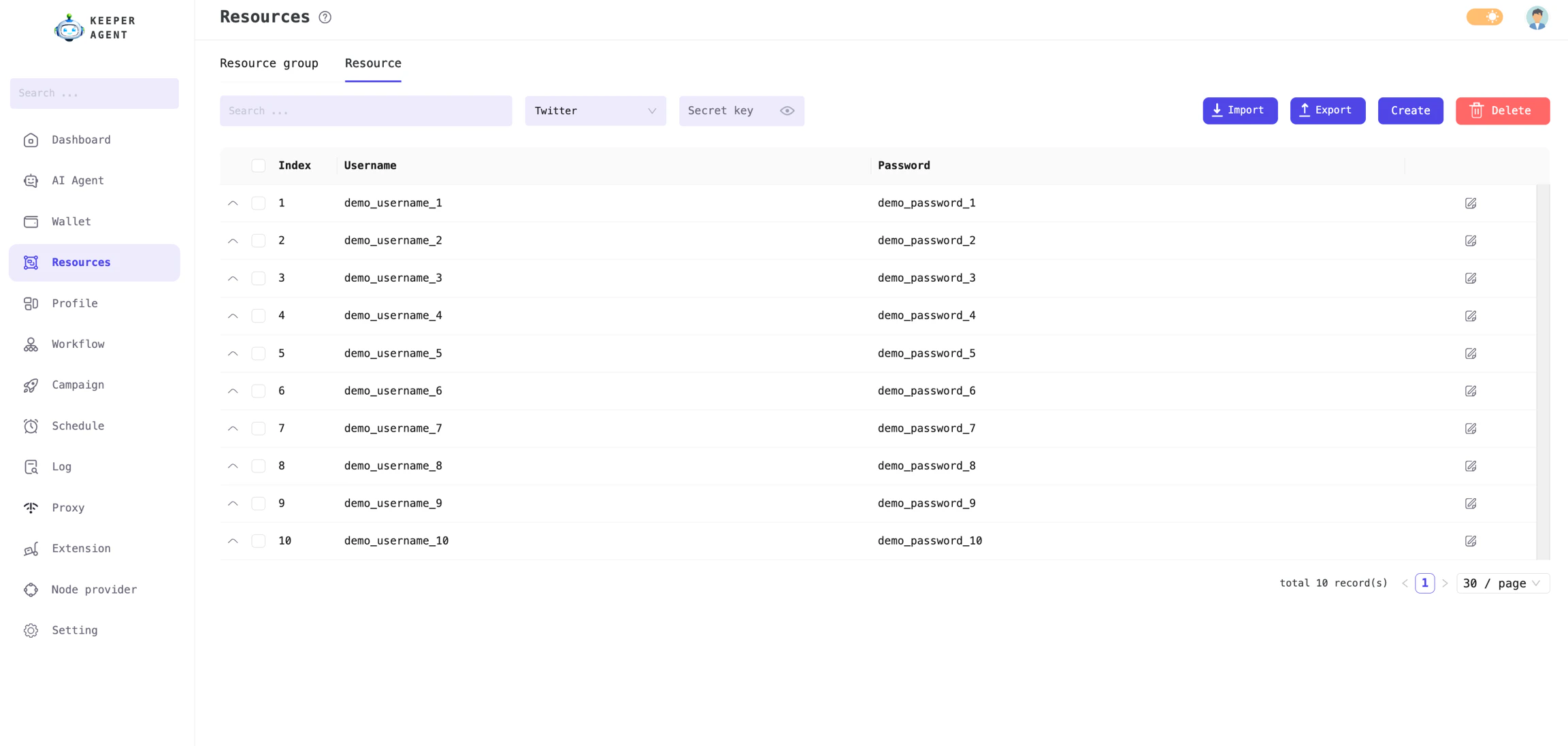
In addition to wallet data (as introduced in the wallet management feature), accounts such as Google, Twitter, Telegram, Discord, and others are essential for those who focus on retroactive activities or airdrop farming. In short, any non-wallet data is collectively referred to as Resource.To access wallet and resource data for running workflows, the app requires you to input and store this information in the local database. This approach makes it easy to manage, search, add, edit, and delete your data in a centralized interface, rather than saving each type of data in separate files.
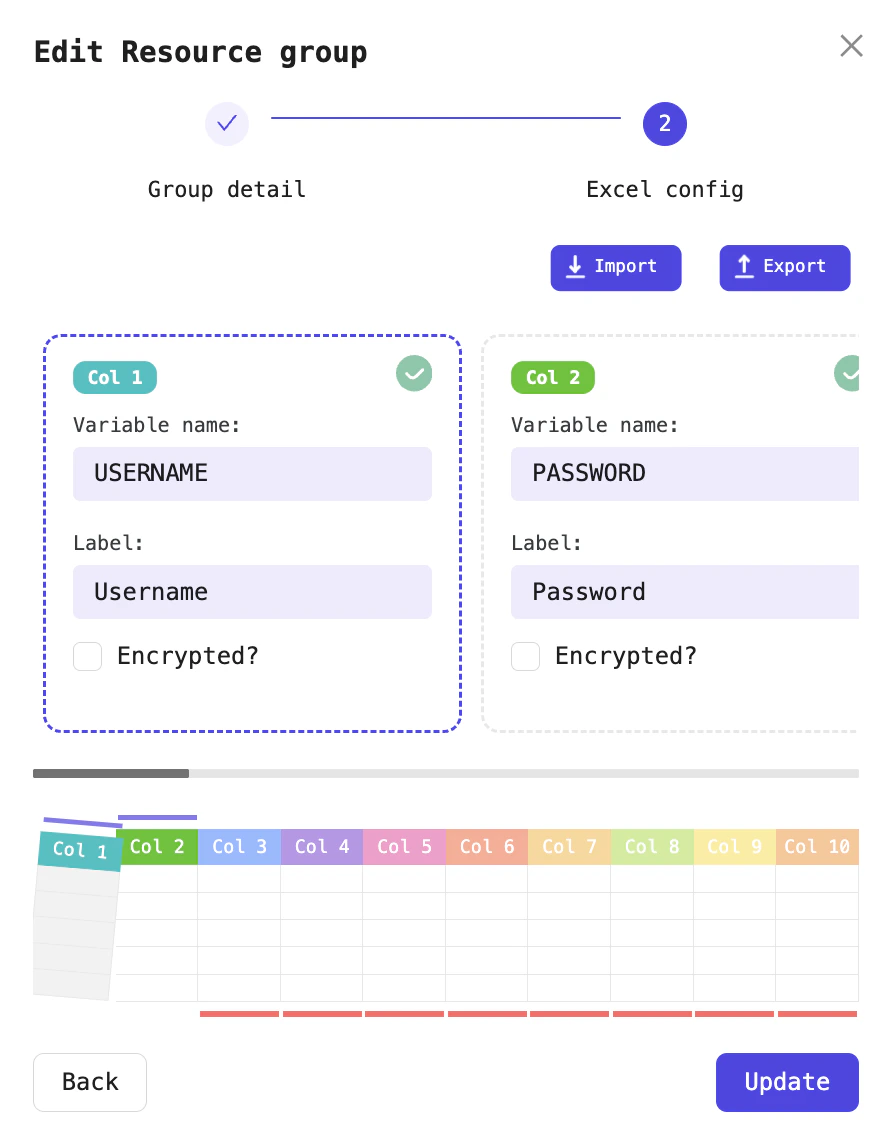
Typically, each type of data has only two or three specific fields (for example, Twitter data includes three fields: Twitter link, Username, and Password). However, to support as many scenarios as possible, the software currently allows you to enter up to 10 data fields for each resource type.After configuring the columns for each resource, you can import data into the app from an Excel file. The Excel file should have 10 columns corresponding to the 10 data fields for each resource.
Configuration interface for each resource type
After configuring the columns for each resource, you can import data into the app from an Excel file. The Excel file should have 10 columns corresponding to the 10 data fields for each resource. You can view a sample file here. Please note: you must keep the column names in the Excel file unchanged so the software can import data in the correct order: COLUMN_1, COLUMN_2, COLUMN_3, COLUMN_4, COLUMN_5, COLUMN_6, COLUMN_7, COLUMN_8, COLUMN_9, COLUMN_10.