Some common approaches for backing up your wallet include:
Use a hardware wallet (cold wallet)
Write your seed phrase down on paper
Use third-party applications to store your seed phrase, such as Locker
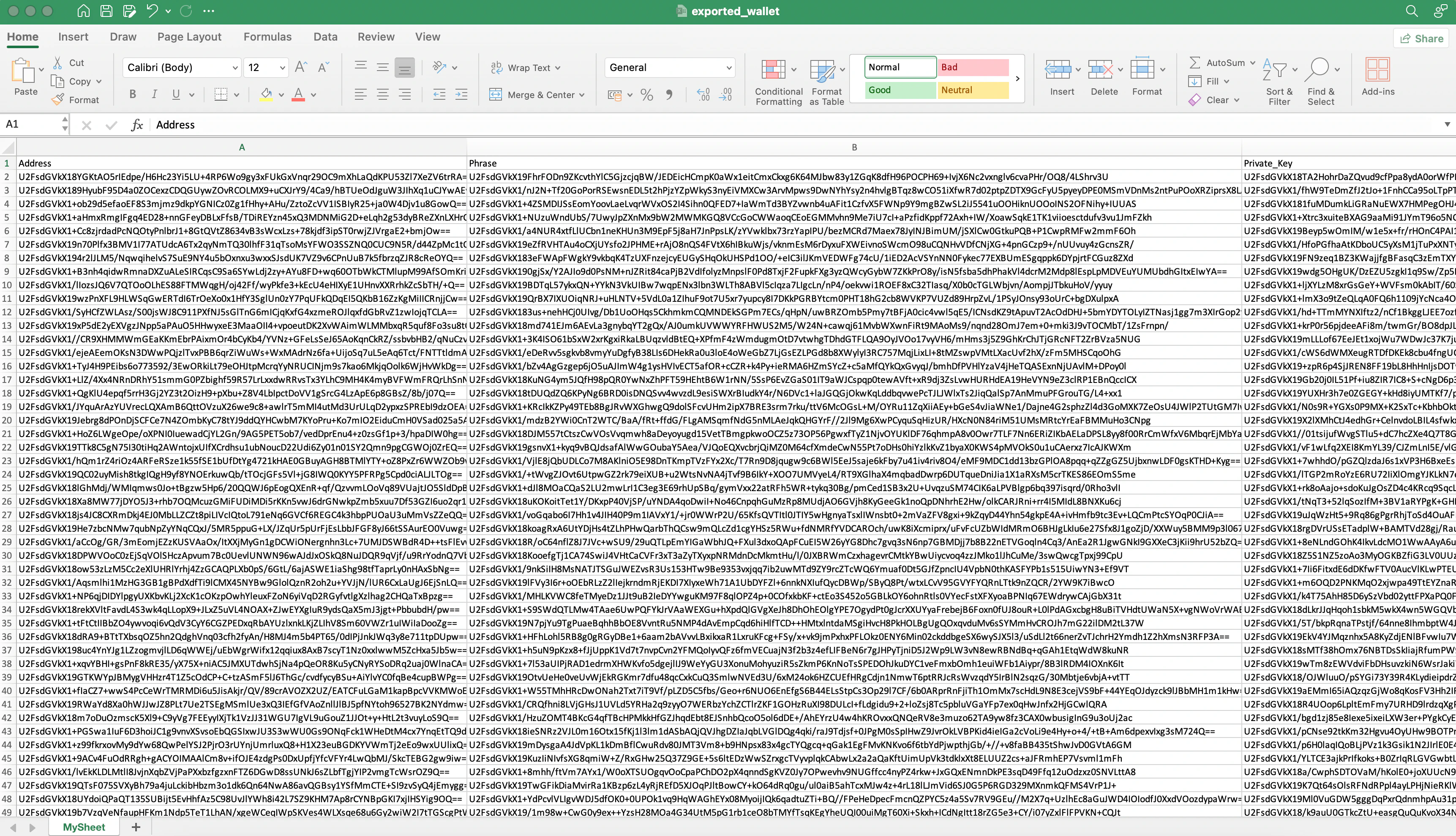
Managing dozens or hundreds of wallets can be overwhelming. Our app offers an Export wallet feature that allows you to export your wallets to an Excel file. If your wallet is encrypted with a secret key, all information in the exported Excel file will also be encrypted. This means you can safely store this Excel file on Google Drive or any cloud service. If someone obtains your Excel file, they will not be able to view your wallet information because the contents are encrypted.To restore your wallets, simply use the Import wallet feature. Import the Excel file and enter your secret code to decrypt the wallet information. You can then access your wallet data normally.
The Excel file contains wallet information exported from the app.