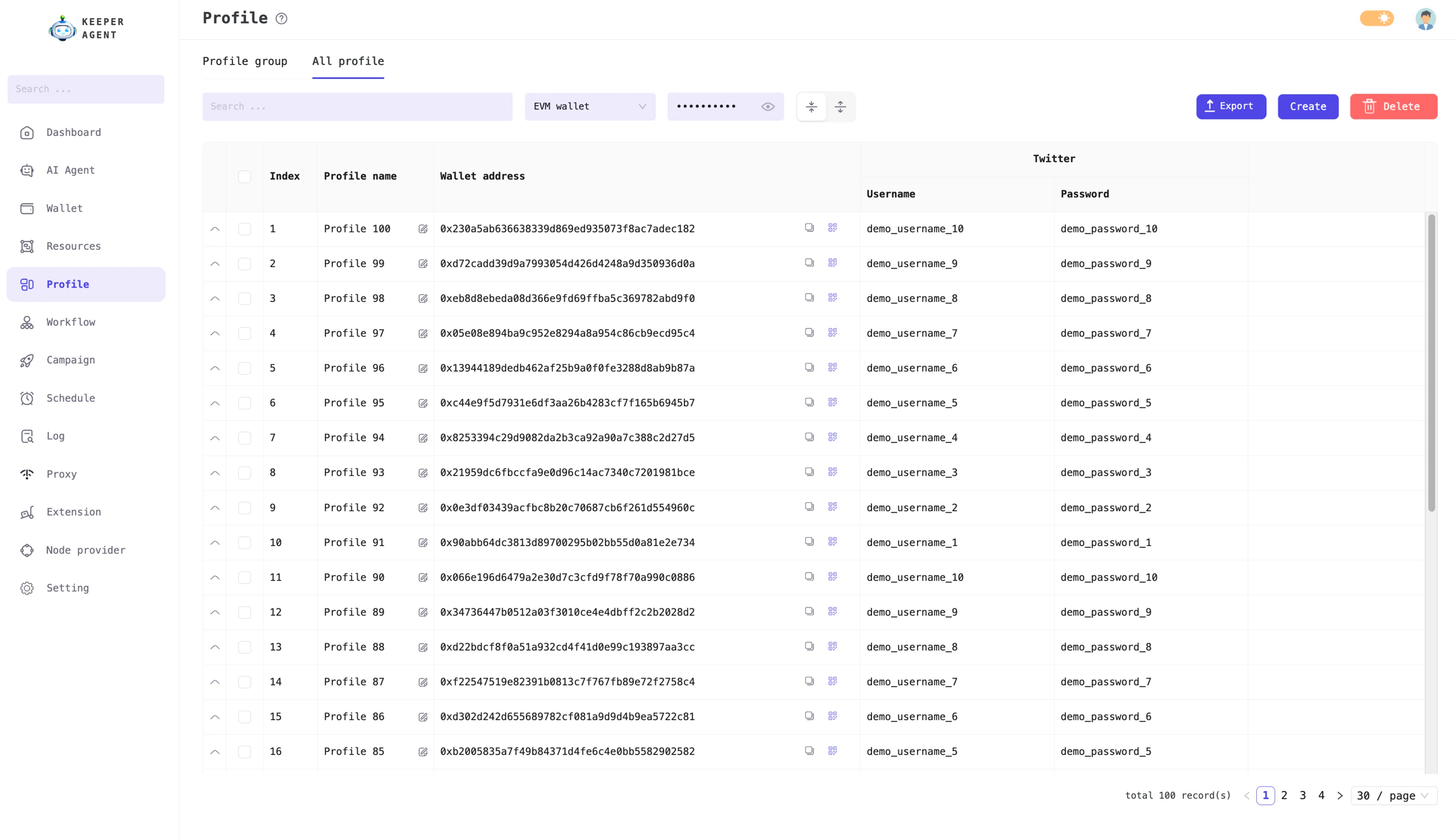
Simply put, a Profile is a combination of a Wallet and Resource. Each profile can include up to one wallet and multiple types of resources. Profiles serve as input data for various workflows.
The concept of Profile in our app is not the same as a Chrome profile.
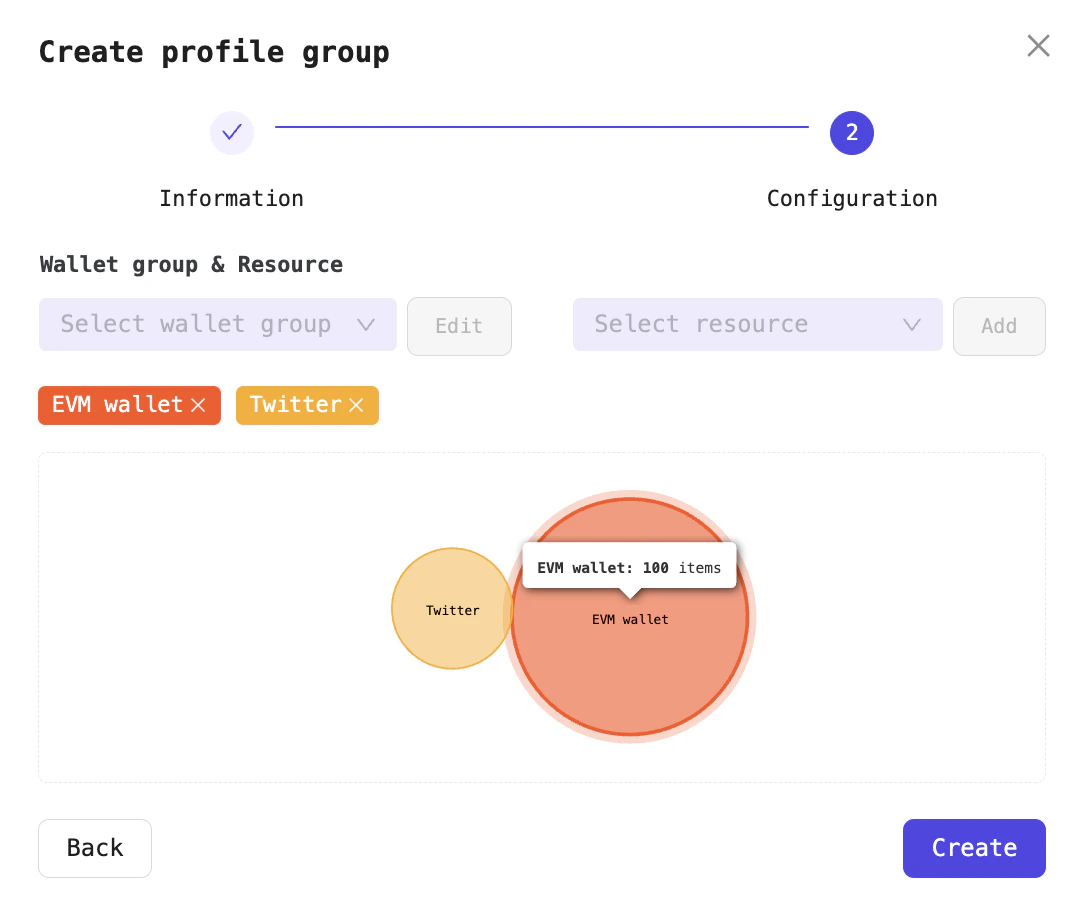
From your existing wallets and resources, you can create profiles by combining different wallets and resources together. As shown in the image below, you can generate profiles from the following data:
100 EVM wallets
20 resources consisting of Twitter accounts
the app will automatically generate 100 profiles (the number of profiles will match the largest set among wallets and resources). If there are more wallets than resources, a single resource will be paired with multiple wallets. For example, in the scenario above, one Twitter account will be paired with five different wallets.
If you want to create profiles where each EVM wallet is paired with exactly one Twitter account, you need to use equal numbers of wallets and resources. For example, 100 EVM wallets, 100 Twitter accounts.
Configuration for profile groups including Wallet and Resource