

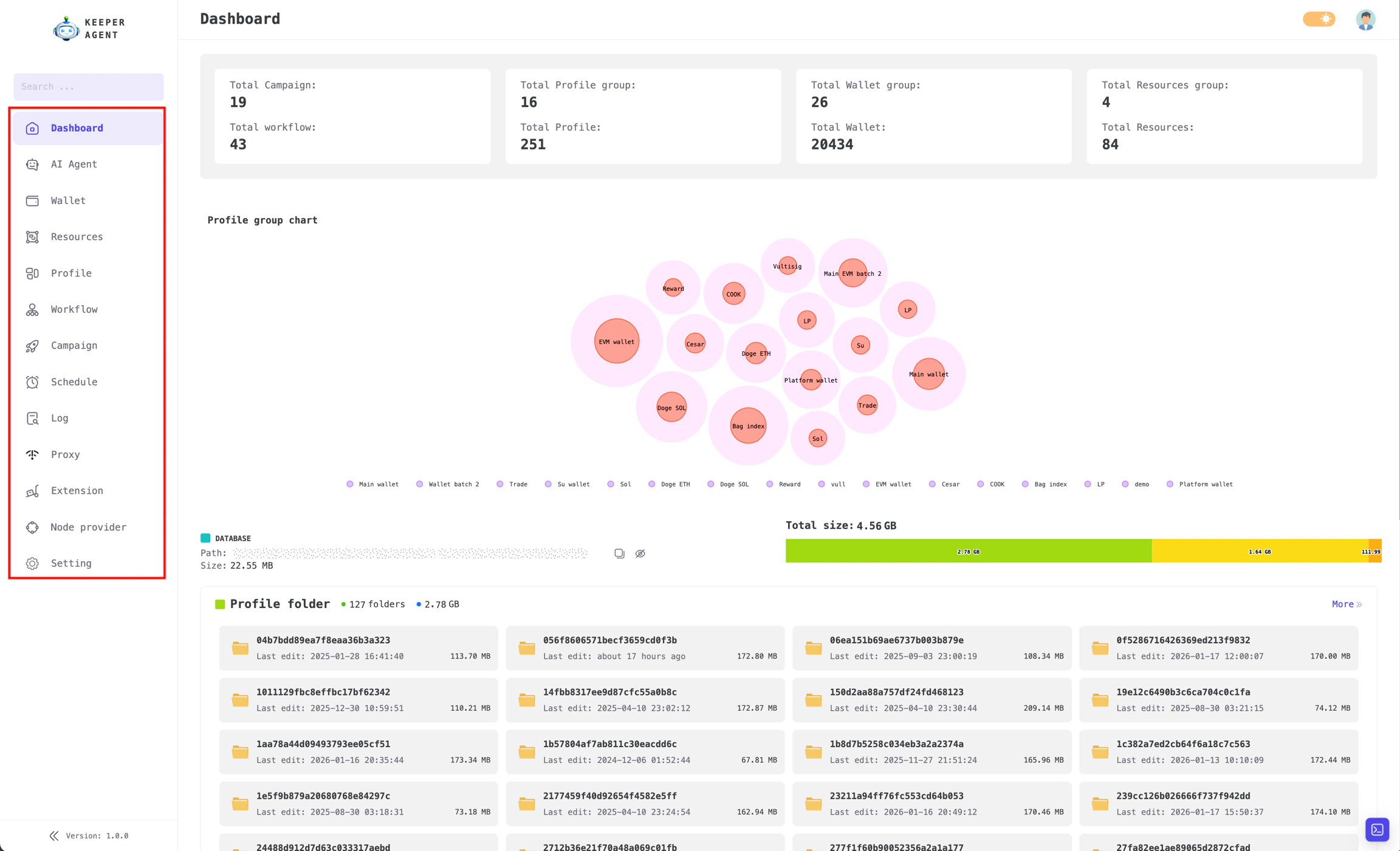
Key features of KeeperAgent
Trading AI Agent
Our AI agent simplifies trading across multiple wallets. For example, with 100 wallets, prompt ‘Buy a total of $100 token 9BB6NFEcjBCtnNLFko2FqVQBq8HHM13kCyYcdQbgpump’ and the agent will randomly distribute $100 across each wallet and execute the trades.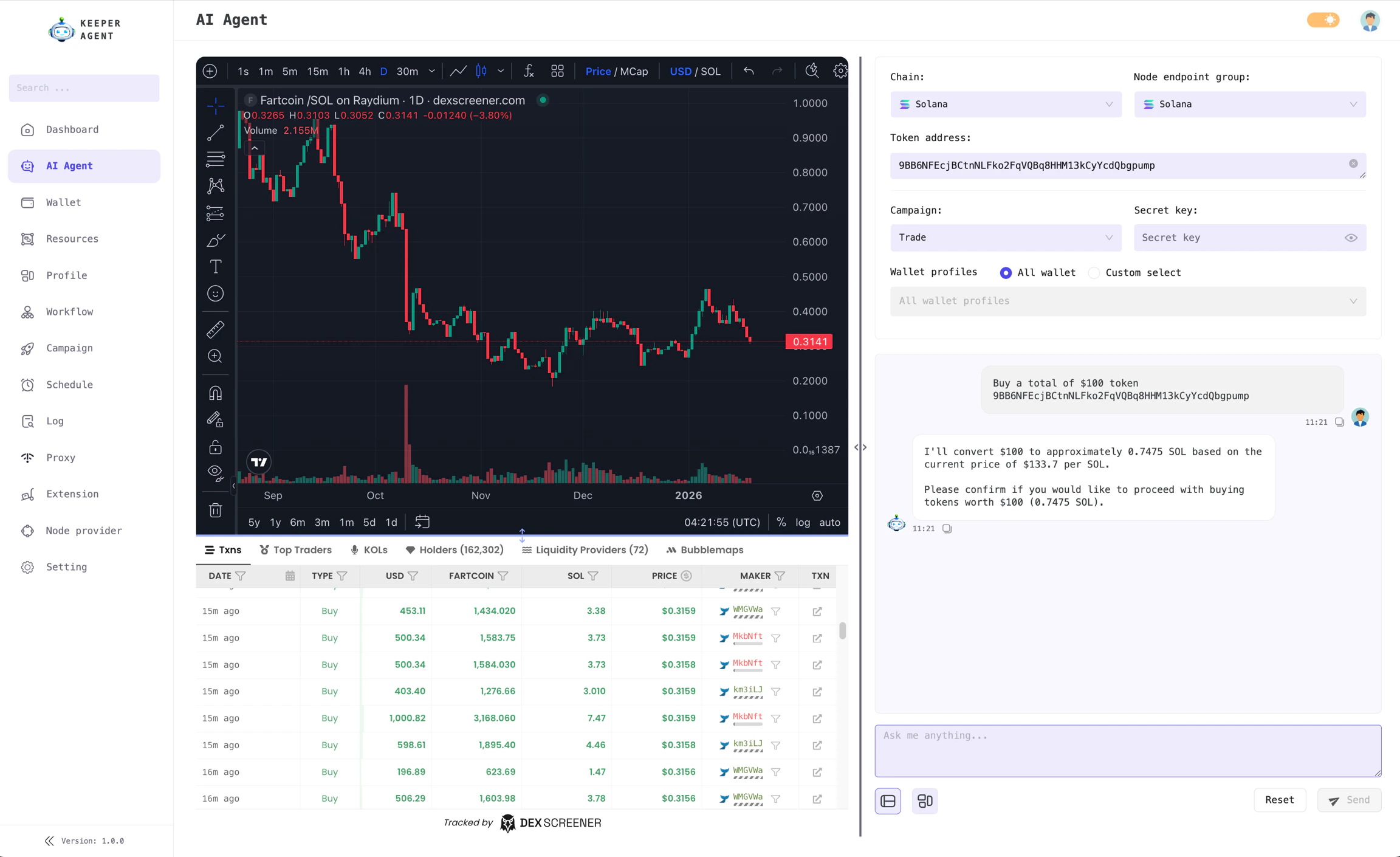
Coordinate trades across multiple wallets using AI agent
Workflow Management
The Workflow feature is KeeperAgent’s core functionality, the most important feature you’ll use more than any other. It enables you to easily manage and build workflows for various tasks through a simple drag-and-drop interface.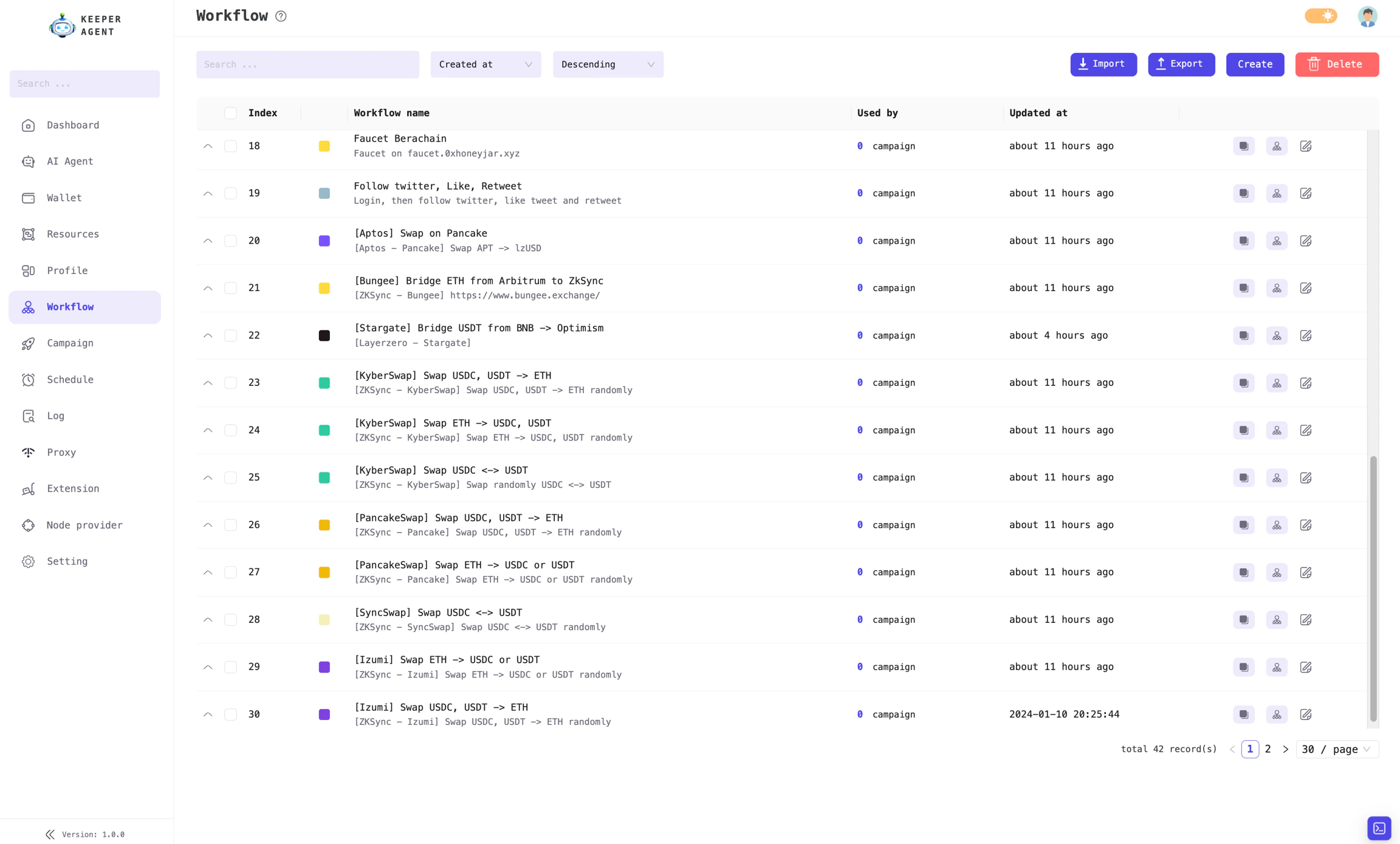
Workflow management interface
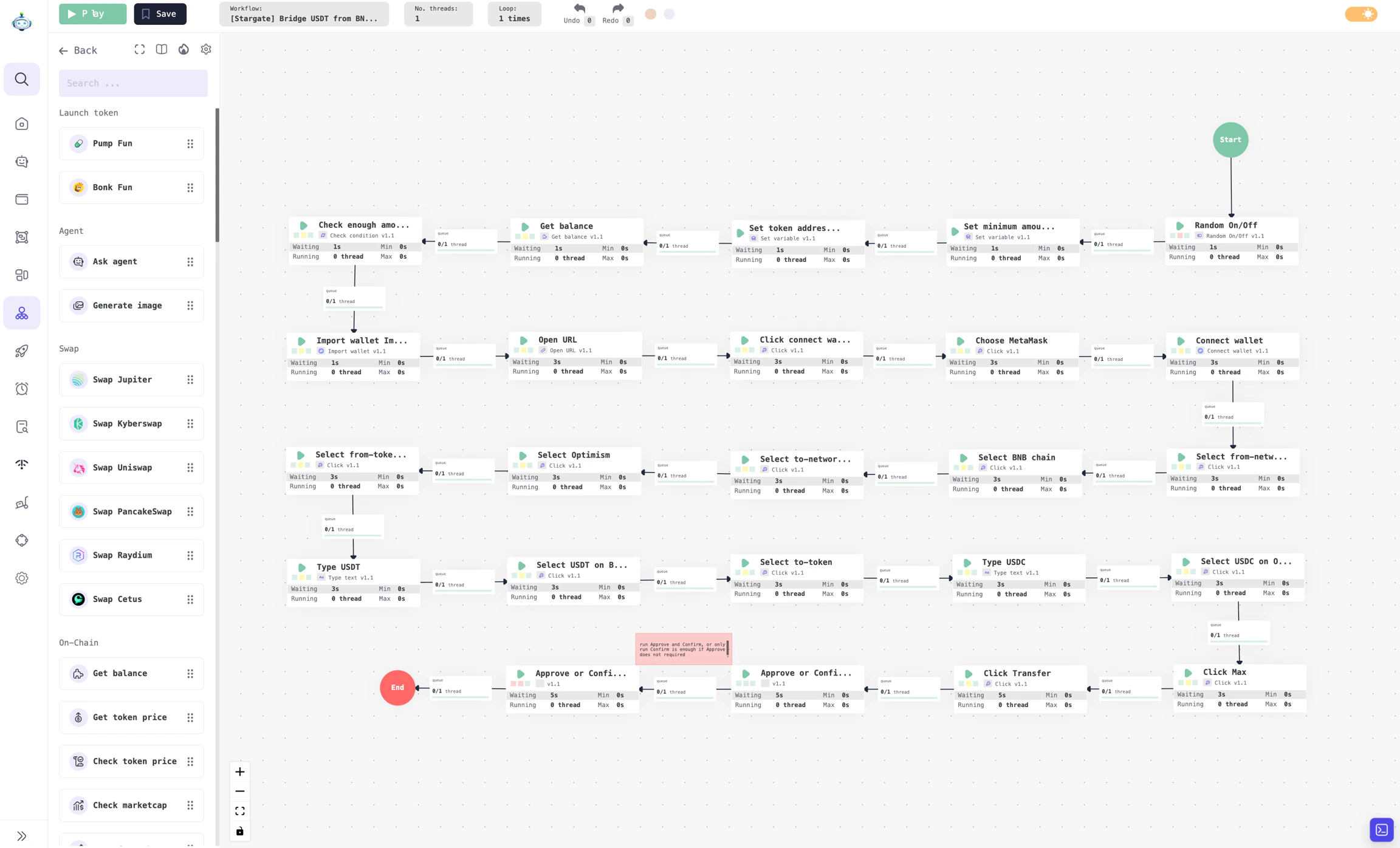
Workflow details: Easily build your workflow by drag-and-drop.
Campaign Management
Once you have created a workflow, you need to set up a Campaign to run it. Each Workflow serves as a guide that outlines the tasks and their execution order, while the Campaign is where these tasks are actually carried out. For workflows that require input data, the campaign is also where you configure these inputs. For example, if you want to run a Swap workflow on the Uniswap interface for 100 wallets, the campaign will take each wallet from your list and execute the workflow for each one in turn. The input data for a workflow is referred to as aProfile.
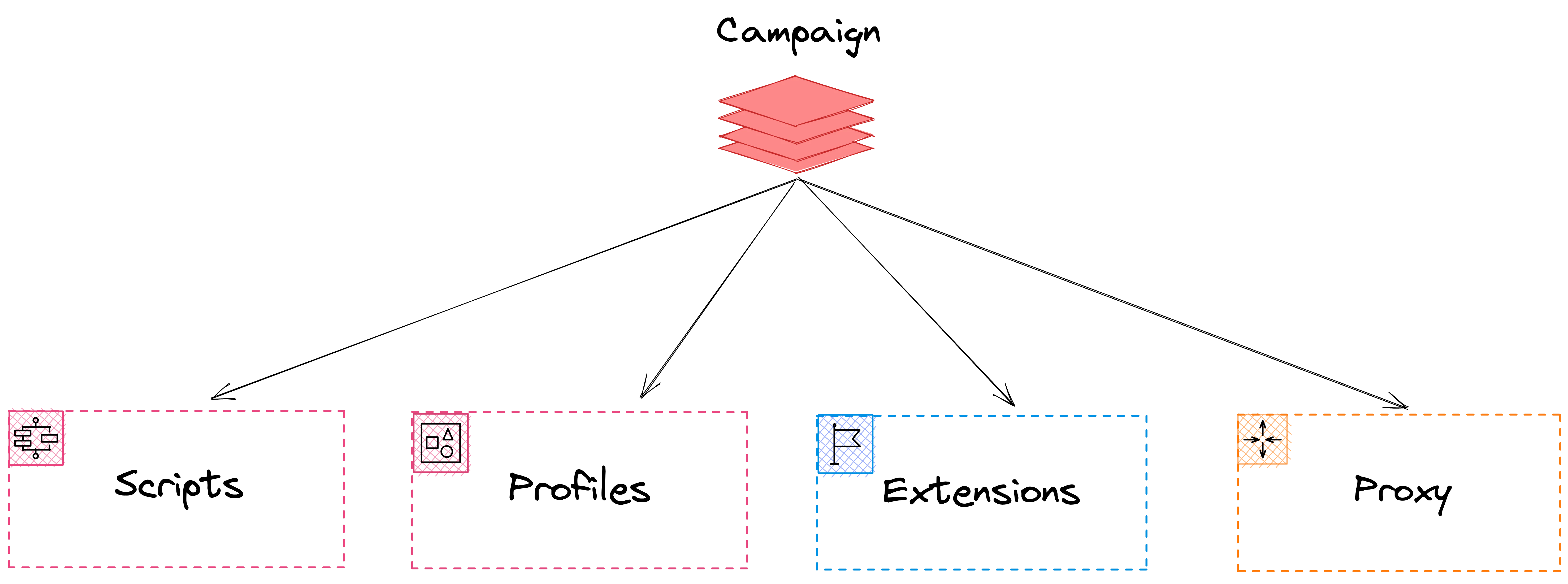
A Campaign is where you configure Profiles, Extensions, and Proxies to be used when running a workflow.
Schedule Management
Once you have created your campaigns, you can immediately run your workflows. However, if you need to schedule campaigns to run at specific times or want to repeat them multiple times, you should use the scheduling feature. Our app is capable of managing and executing many campaigns simultaneously.Other Features
Wallet management and Resource management serve as inputs for creating Profile. This is a straightforward function and will be explained in detail later. The Proxy feature helps you manage proxies or third-party proxy services. The Extension management allows you to install extensions into Chrome profiles, which can be used in workflows that require interaction with browser extensions.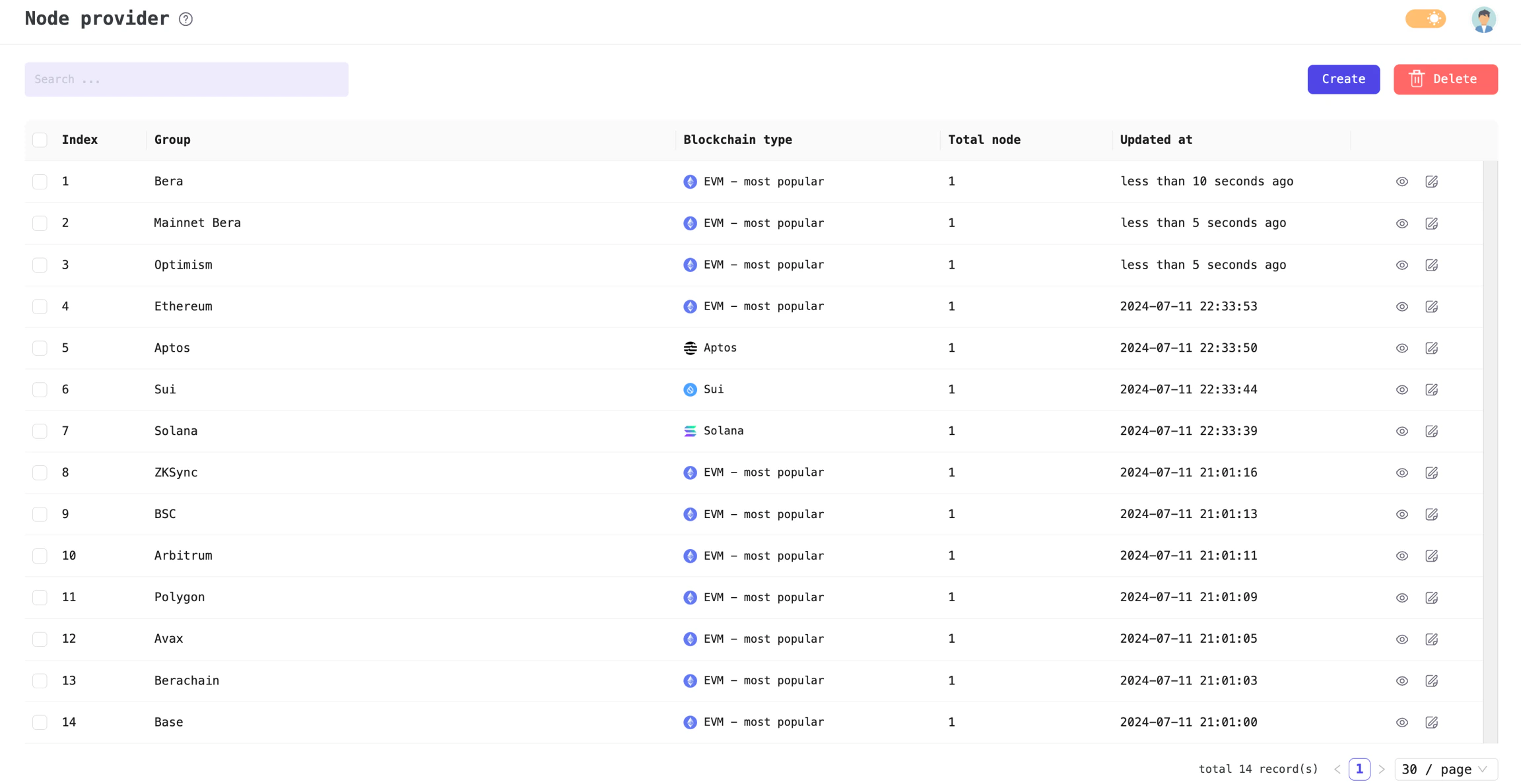
Manage and configure extensions for your Chrome profiles
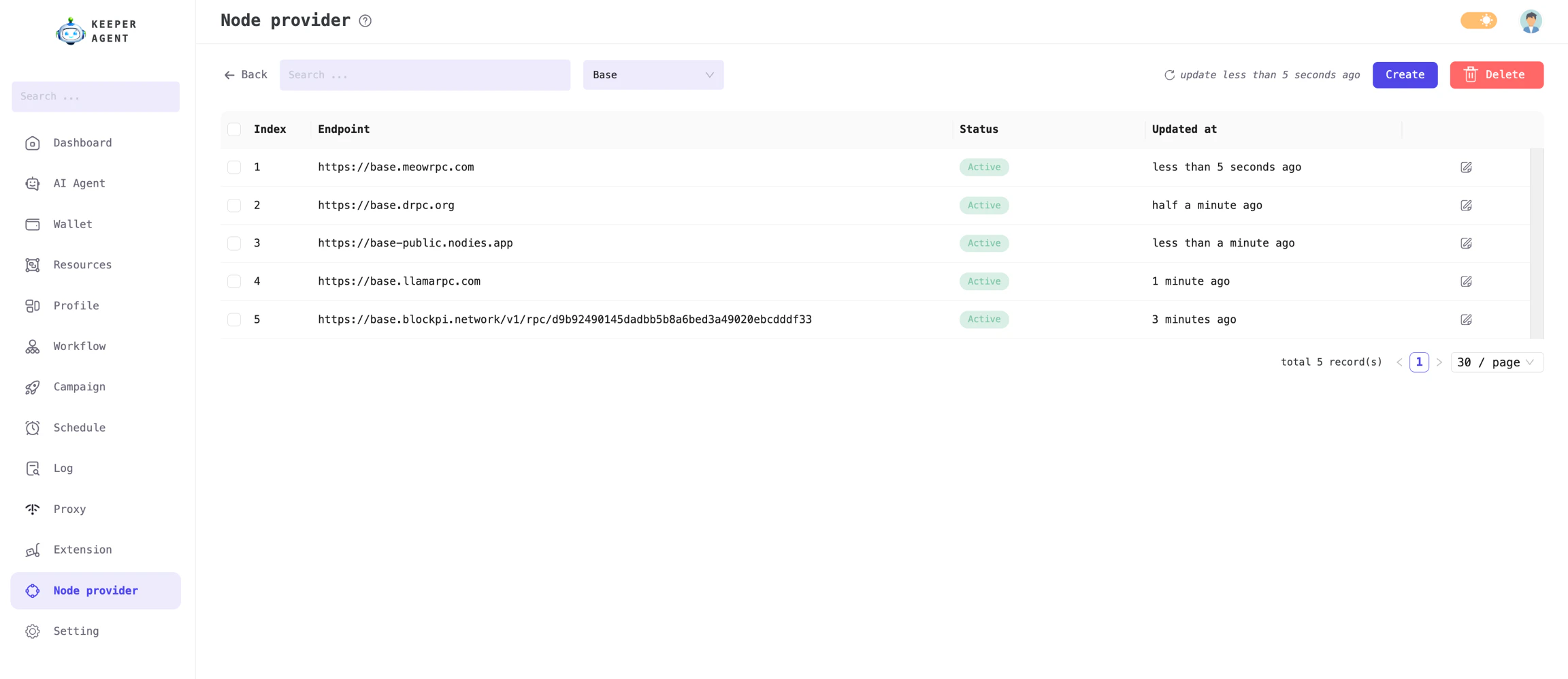
Manage blockchain nodes for each chain type: Solana, Sui, Aptos, and EVM blockchains.