
Processor Click Confirm
This processor clicks the Confirm button in Metamask. No configuration needed, just drag it into the workflow.
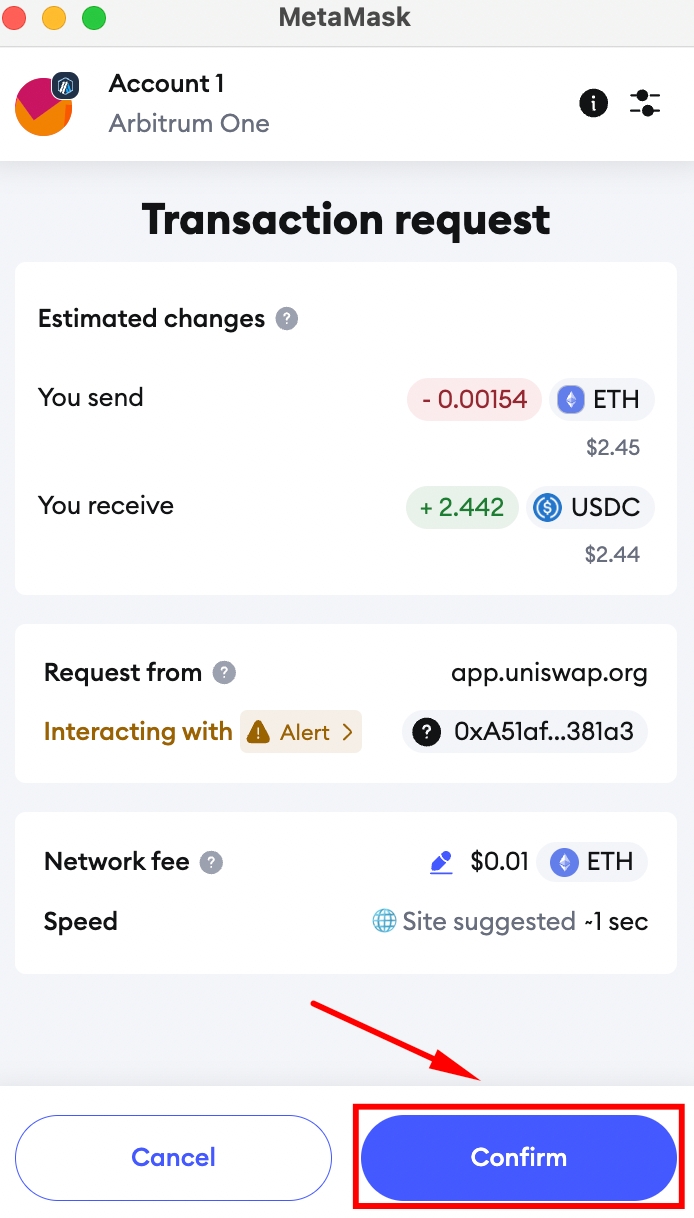
Confirm on Metamask wallet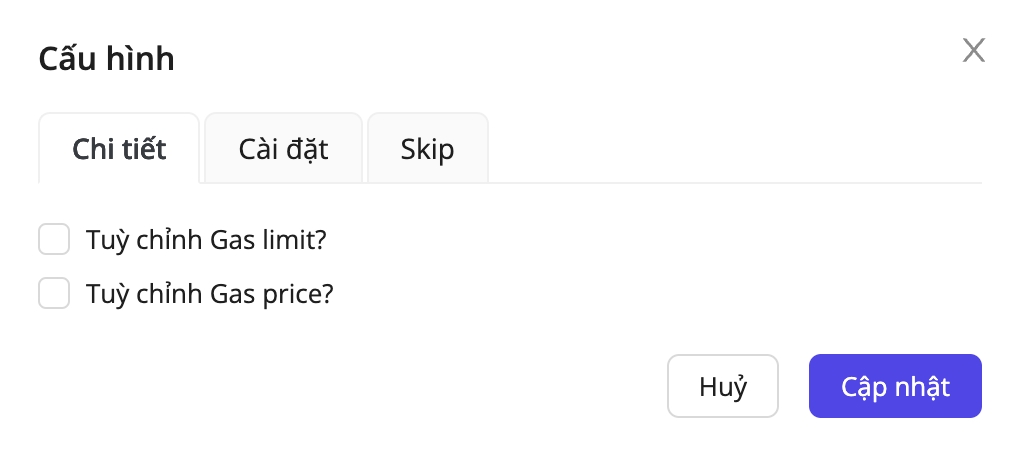
Configuration meanings:
Field name
Required?
Detail
Customize Gas limit?
No
Set a custom gas limit for the transaction
Customize Gas price?
No
Set a custom gas price for the transaction
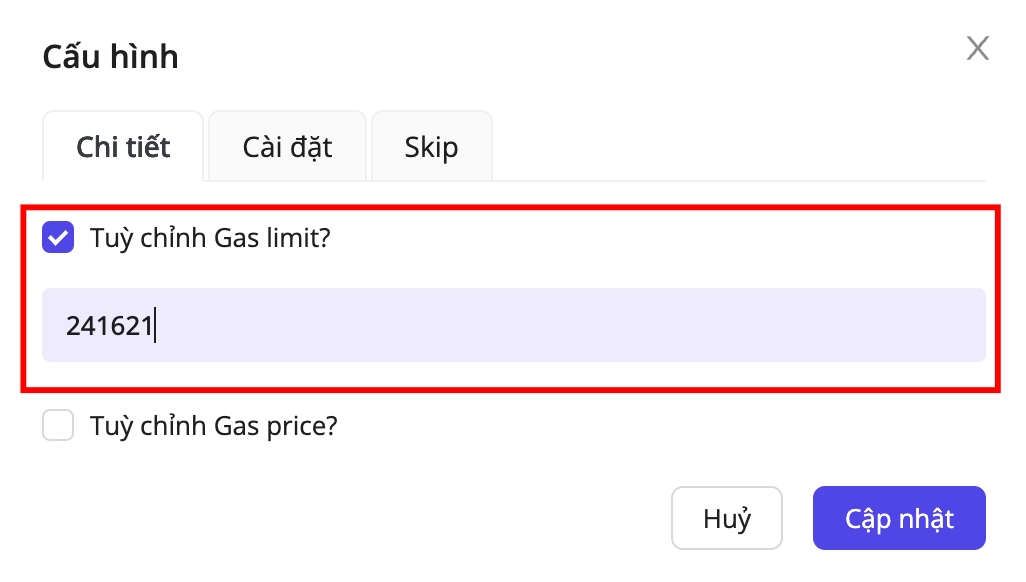
Customize Gas limit
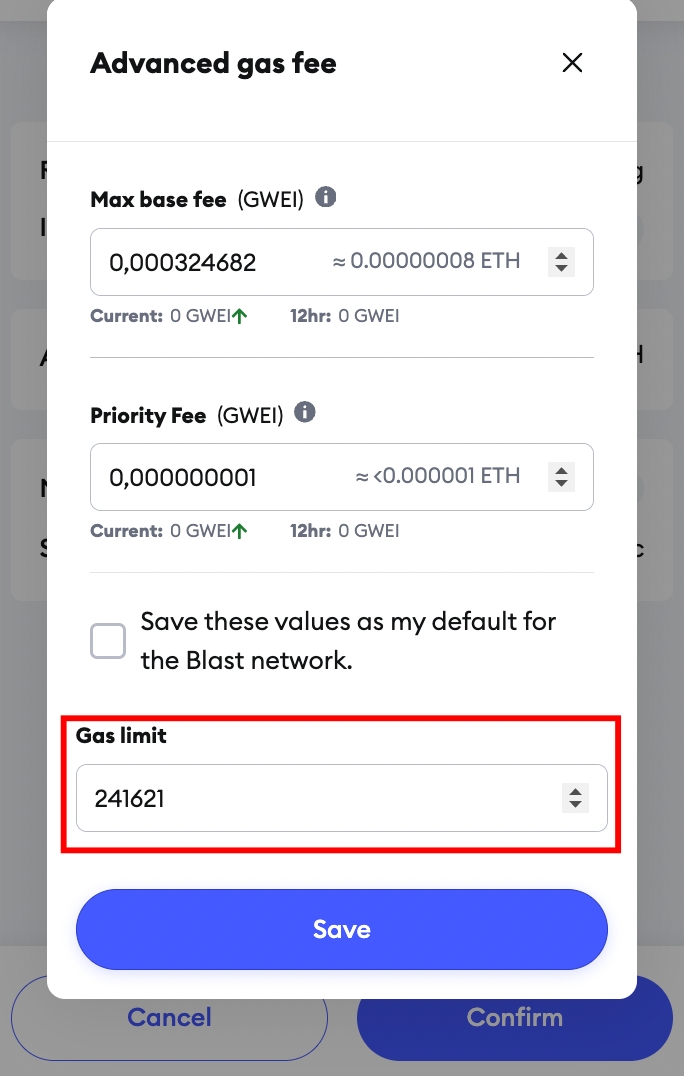
To change the transaction’s Gas limit, enable Customize gas limit? and enter your desired value, the processor will populate that gas limit in Metamask automatically.
Customize Gas price
You can choose the gas fee mode: Low, Market, Aggressive, or Advanced.
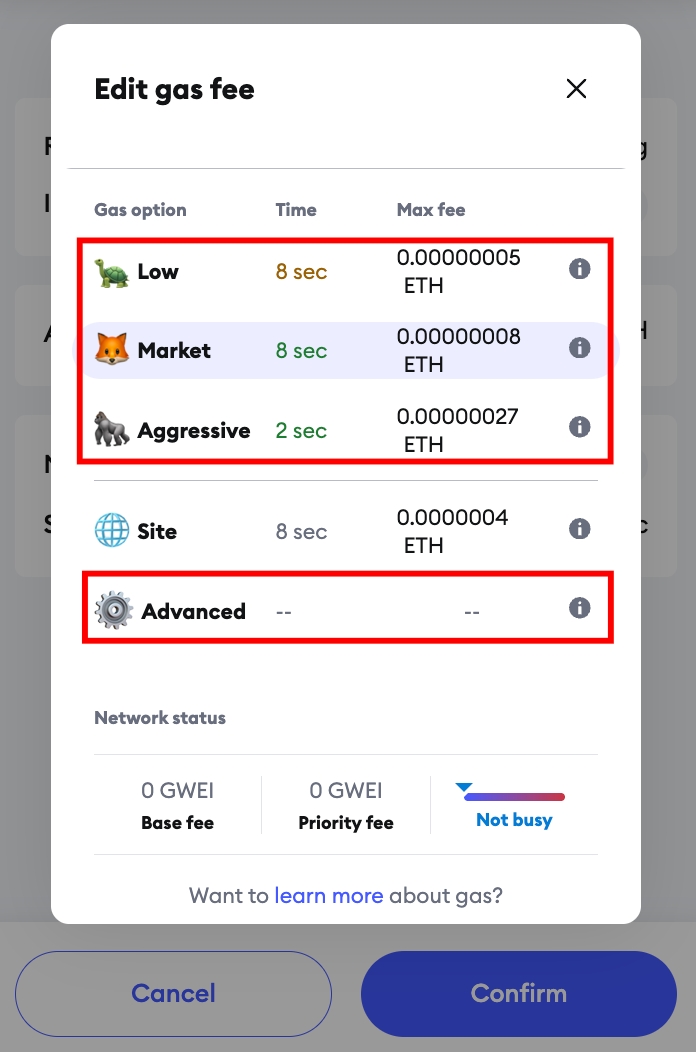
When you choose the Advanced gas fee mode, you can customize the Max base fee and Priority fee. If you enter values greater than 0, the processor updates those fields in Metamask to match your configuration.
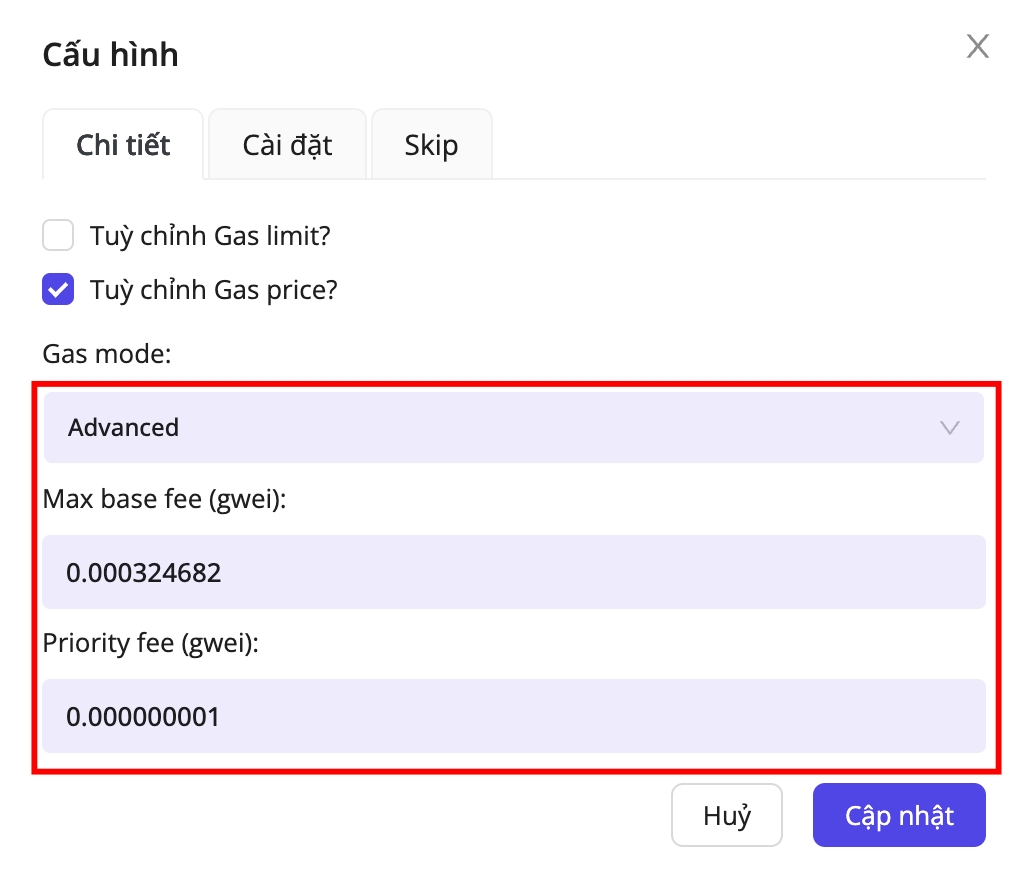
Advanced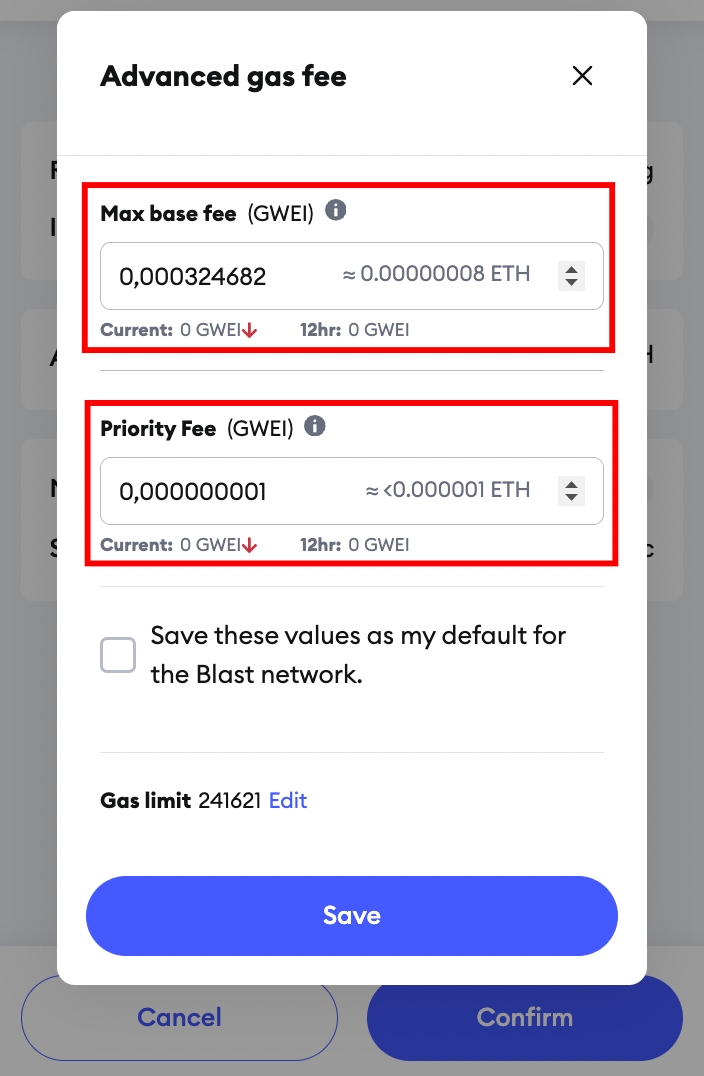
Last updated