

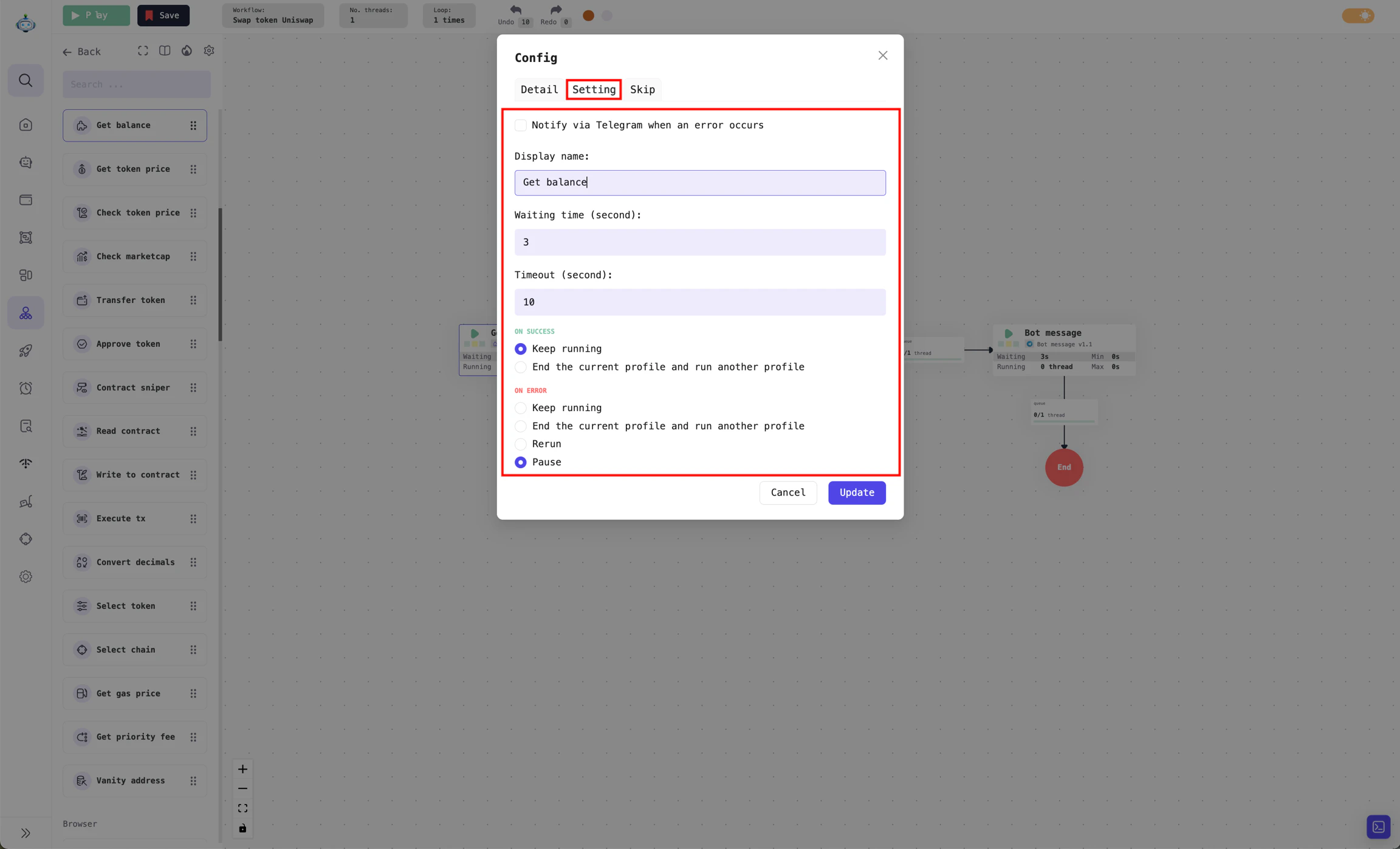
Settings section for the Balance retrieval Processor
Wait time (seconds): After this Processor finishes running, the workflow will wait for a specified period before proceeding to the next Processor. For example, if the wait time is set to 3 seconds, the workflow will pause for 3 seconds after theBalance retrievalProcessor completes, before moving on to theUniswap swapProcessor. If the wait time is set to 0, the workflow will immediately proceed to the next Processor without waiting.Timeout (seconds): The maximum time allowed for a Processor to complete its task. For example, if the timeout is set to 10 seconds and theBalance retrievalProcessor does not finish within that time, the workflow will report an error. How this error is handled will be specified in the On error section.
Processor result handling
When a Processor finishes running, there are two possible outcomes:- On success: The Processor successfully completes its task.
- On error: The Processor reports an error during execution, which may be due to exceeding the maximum timeout or another issue.
When running, a workflow can execute multiple threads in parallel, with each thread operating on a separate Profile.
On success result:
For the
On error result: