KeeperAgent home page
Search...
⌘K
GitHub
Get Started
Get Started
Search...
Navigation
Phantom wallet processors
Processor Click Confirm
ABOUT US
What is Keeper agent?
Security level
Use Cases
APPLICATION HANDBOOK
Overview
Installation
Trading AI gent
Wallet management
Resource management
Profile management
Workflow management
Campaign management
Proxy management
Node provider management
Extension management
Schedule managment
Other features
HOW TO USE WORKFLOW
Overview
Processor structure
What is a variable
What is queue
Token launch processors
AI Agent processors
Swap processors
On-chain processors
Browser processors
Advanced processors
Rabby wallet processors
Phantom wallet processors
Overview
Processor Import wallet
Processor Unlock wallet
Processor Connect wallet
Processor Click Confirm
Martian wallet processors
Metamask wallet processors
Twitter processors
Telegram processors
Other processors
Phantom wallet processors
Processor Click Confirm
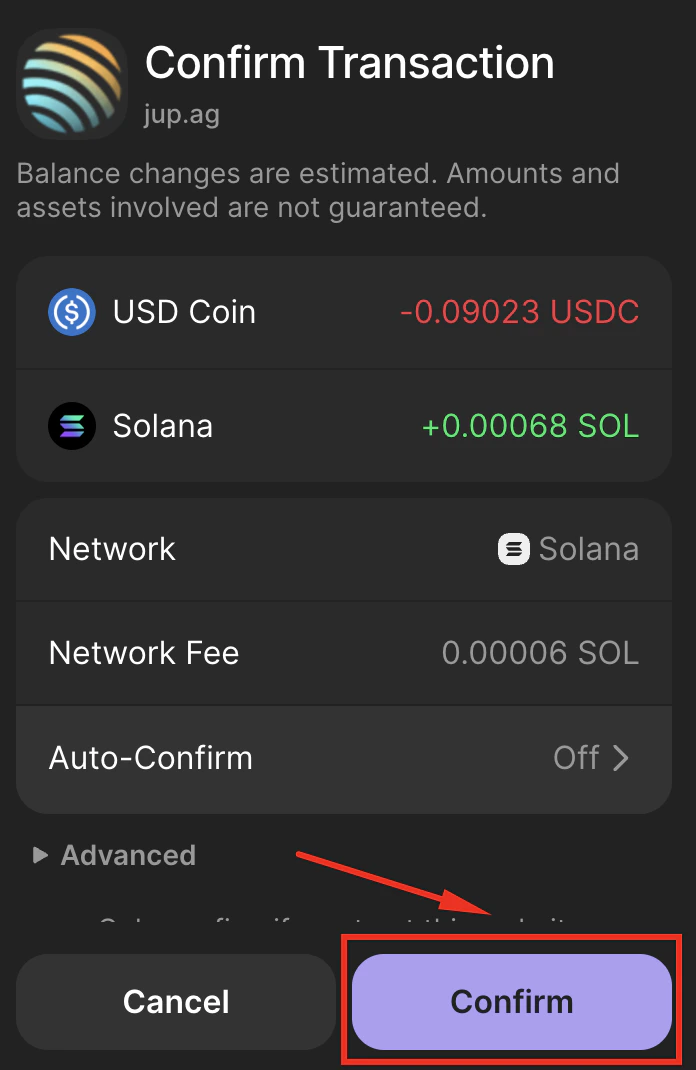
Click Confirm button in Phantom wallet
This processor clicks the
Confirm
button in Phantom. No configuration needed, just drag it into the workflow.
Confirm on Phantom wallet
Processor Connect wallet
Overview
⌘I