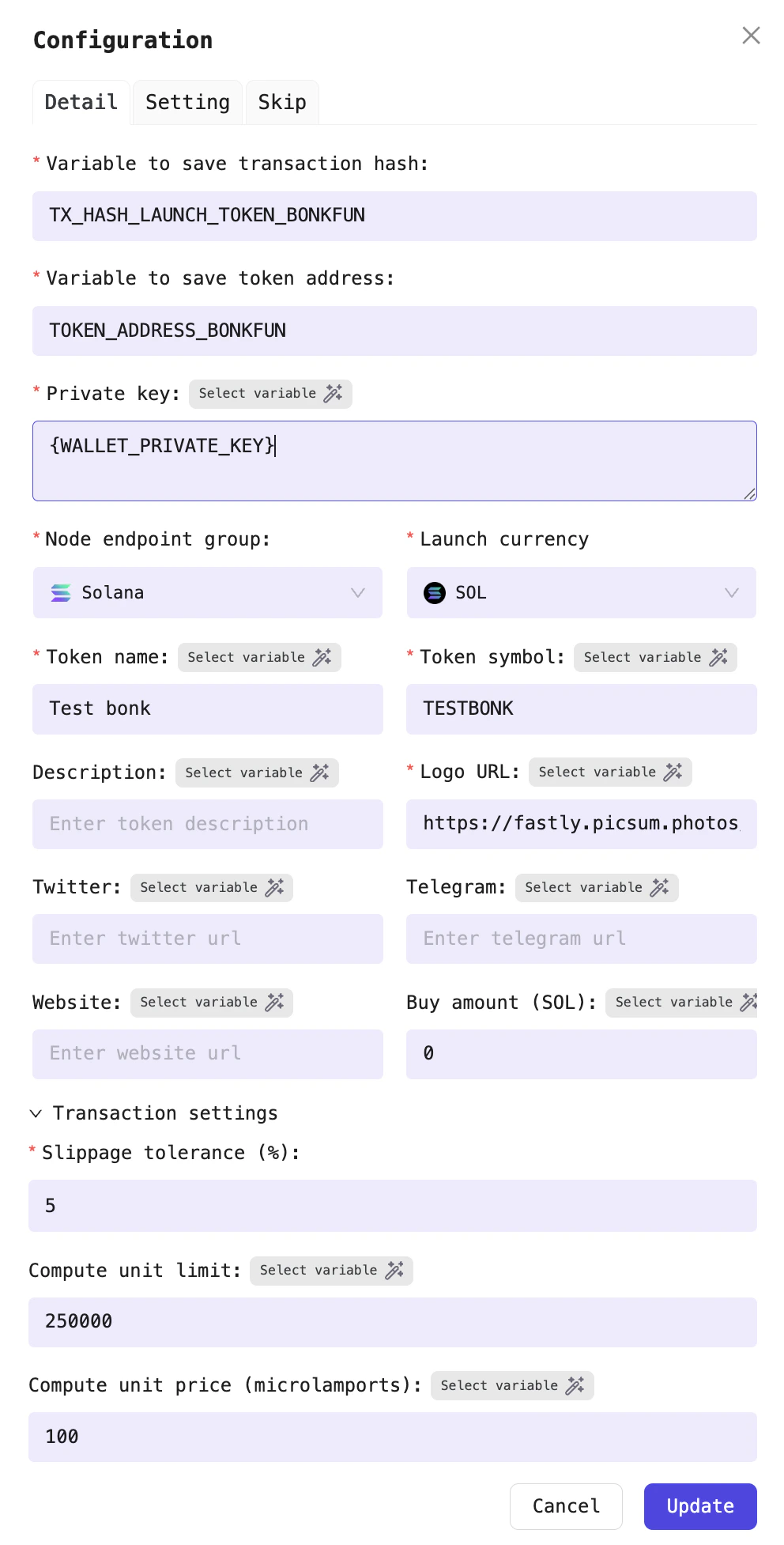
Example: Launch token with name, symbol, and image
bonk
This processor can be combined with other processors such as Agent processor to build workflows. For example: use the OpenAI model to generate the token name and symbol, then create the token logo using OpenAI’s image generation model, and finally use this data to launch the token.
Configuration fields
| Field | Required | Description |
|---|---|---|
| Variable to save transaction hash | Yes | Variable to store the transaction hash |
| Variable to save token address | Yes | Variable to store the token address |
| Private key | Yes | The private key of the wallet to use for launching the token. Default: {WALLET_PRIVATE_KEY} |
| Node endpoint group | Yes | Select the node endpoint group to use for this transaction |
| Launch currency | Yes | Select the currency to use for launching (SOL or USD1) |
| Token name | Yes | The name of the token |
| Token symbol | Yes | The symbol of the token |
| Logo URL | Yes | URL of the token logo (supports https:// or local file paths) |
| Description | No | Description of the token |
| No | Twitter link for the token | |
| Telegram | No | Telegram link for the token |
| Website | No | Website link for the token |
| Initial buy amount (SOL) | No | Amount of SOL to buy the token with in the same transaction |
| Slippage | No | Slippage tolerance percentage |
| Compute unit limit | No | Maximum compute units for the transaction (default: 250000) |
| Compute unit price (microlamports) | No | Price per compute unit in microlamports (default: 100) |